
Fast connection across multiple platforms
Supports common devices such as computers, phones, and tablets. After completing the guided installation, you can connect with one click.
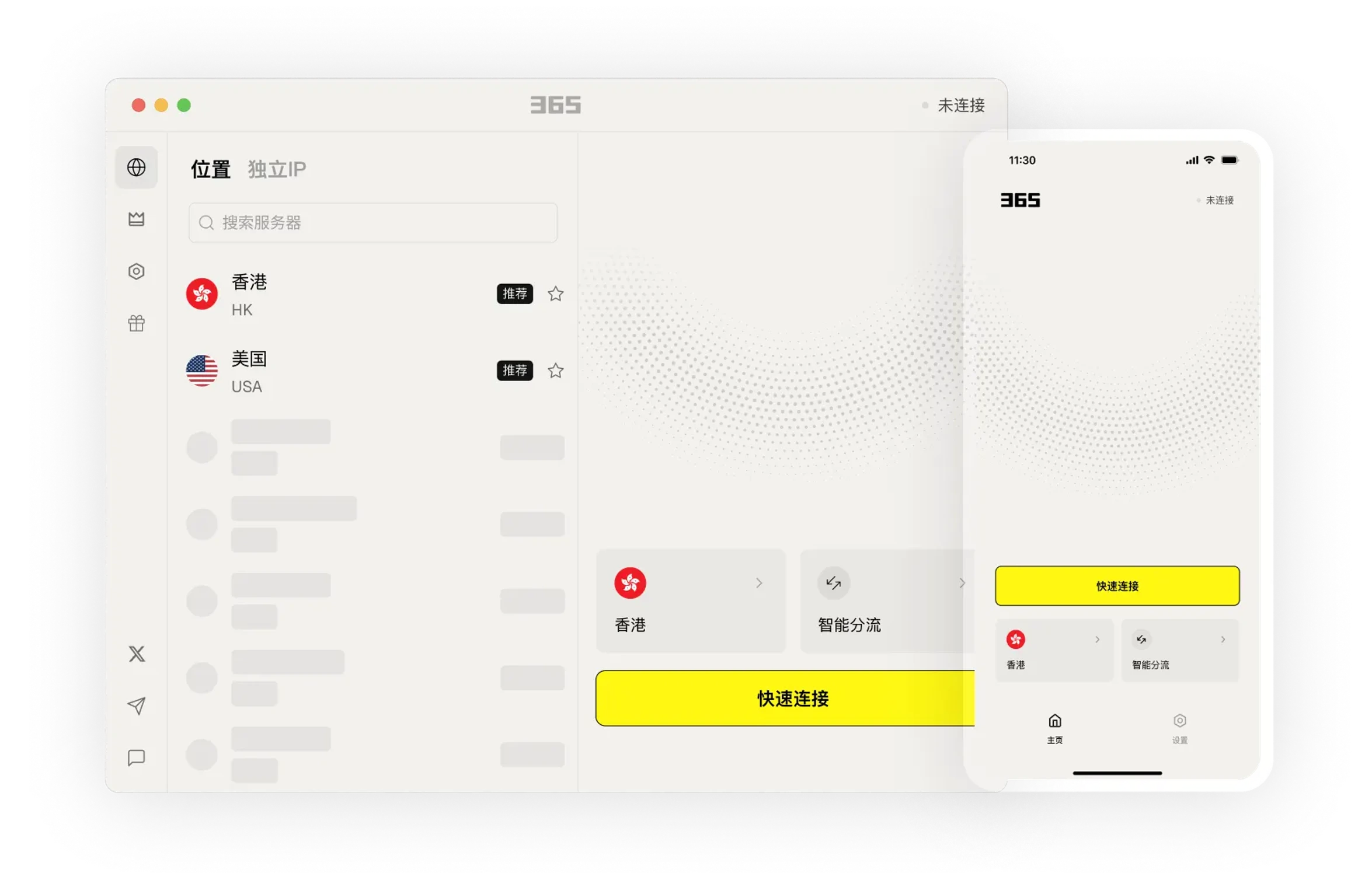
Learn about product features through clear instructions and arrange a usage method that suits your needs.
Choose the connection method that suits your current environment for daily work, communication, and browsing.
Connect to 500+ servers worldwide across 60+ countries and regions. Access content from anywhere.
Seamlessly access Google, YouTube, and other services. Easily access global content and enjoy worldwide services.
Present frequently used connections and device settings in one place, reducing the steps to find and switch between them.
Download Now →Here for you anytime. Day or night.
We provide the simplest guidance for you - no confusing technical jargon.
From smartphones to routers and TVs, we've got you covered!
Present frequently used connections and device settings in one place, reducing the steps to find and switch between them.

We provide easy-to-understand articles to help you stay informed.

Present frequently used connections and device settings in one place, reducing the steps to find and switch between them.
After installation, you can view the settings and help content in the app to gradually get familiar with common features.

After installation, you can view the settings and help content in the app to gradually get familiar with common features.
Learn about the device version and usage method that suits you, and arrange connections and work as needed.
Select your device system in the download center and view the corresponding version name.
Open the installation file and follow the installation prompts on your device to complete the setup.
365 VPN is designed for users who frequently switch network environments, offering a clear onboarding path and device compatibility recommendations. No complex configuration is needed; after installation, you can quickly establish an encrypted connection on your common devices, making it suitable for everyday browsing, remote work, and public Wi-Fi protection.
Supports common devices such as computers, phones, and tablets. After completing the guided installation, you can connect with one click.
Enable an encrypted tunnel on open Wi-Fi in places like cafes and airports to reduce the risk of traffic being intercepted.
A clean interface with clear connection status, easy for non-technical users to get started quickly.
Choose the version for your device from the download center, follow the on-page instructions to install and open the app. After logging in, select a recommended server and click connect to establish an encrypted tunnel.
Try switching to a server that is closer to you, or check whether your current network is congested. Close background apps that are using bandwidth and reconnect, which usually gives you a more stable speed.